Latest Posts

June 20, 2018

We Are Moving!

We are currently working on shifting everything over to the new intranet page!

 In the meantime, you may see some changes, such as things disappearing.  We are cleaning house and focusing on only keeping what will be housed on the new page.  Some things will be migrated to a new home.

We will keep you posted as this project progresses!  Please join the Yammer group for now, as this is where we are posting most updates!

You will soon be receiving an invitation for an HPL Tech group on Sharepoint/OneDrive.  Please accept the invitation when you receive it!
August 19, 2016

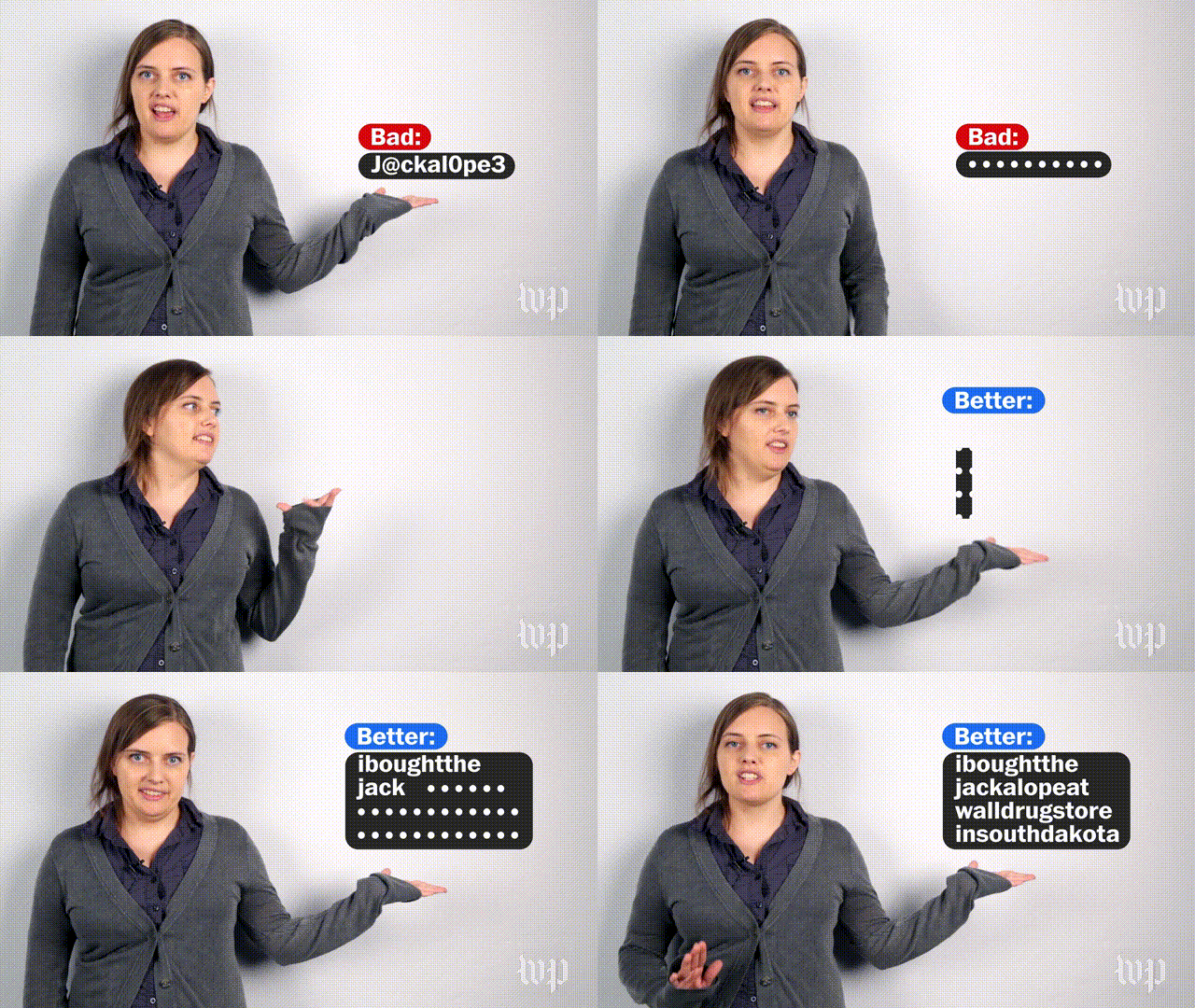
Hate Passwords? Passphrases May Be the Easier and More Secure Option


We all hate passwords, but we know they are necessary. And as instructors we know all too well the drudgery of helping customers recover a password (sometimes repeatedly) essential to recover their email, or get into a job site. Well our long term memory nightmares may be about to end. Researchers are finding that 'passphrases' may be both a more secure option, and one that is easier to remember for users. See the video and link below for the details.

(Source: Washington Post)


  GUEST AUTHOR: Lloyd Jacobson, LSS-Tech (FRA)  

May 12, 2016

'Lifeline' Changes May Provide More Affordable Broadband

Computers and the internet have become so pervasive that often the general public forgets it is not readily available to everyone. Or that everyone does not have the same basic level of knowledge in how it works. This is certainly evident when we see job sites that assume even low-skilled job seekers can find and navigate a confusing application. Or when educators require student homework or research assignments that are only online.

Studies like that done by the Pew Foundation last year on home internet usage increasingly point to a growing “broadband gap” (often called the “homework gap”) that is leaving many with less income behind. Thus many of these same technologies have potential to empower millions of Americans, can’t even be accessed easily. 

That is why the FCC recently voted to redirect the Lifeline Program toward internet broadband subsidies. Lifeline was a program originally created during the Reagan Administration to provide individuals with affordable access to conventional home phone technology. But over the years, as phone usage has radically changed, and mobile prices have come down, Lifeline has been applied to cell phones. And now, because of the realization of the broadband gap, the FCC is looking to retool this program again to subsidize broadband access to many more Americans.

Time will tell on how much is money is ultimately available for customers using the program, and whether access will be focused on mobile technology (phone and tablets) or more conventional computer tech. However, at our libraries we should consider how this might impact our work, and how we might want to redirect some training services.
For instance:
  • Should we start offering classes on smartphone usage?
  • Should we transition to more classes on cloud technologies (re: Google Docs, Google Drive)
  • Can we bridge learning on small devices to larger desktop and laptop machines? (Particularly among seniors who may have been computer-phobic before.)

Over the next year we should continue to follow these developments and gauge what might make sense for our branches and customers. 

GUEST AUTHOR: Lloyd Jacobson, LSS-Tech (FRA) 


May 7, 2016

End Resume Writing Frustration with 'Optimal Resume'

Many of us see customers on a regular basis who need assistance with a resume - either writing it, printing it, attaching it to an online application, or just trying to save it in-between library visits.
But few staff seem to be aware of a service in the HPL resources listing called Optimal Resume, that can be used to not only write them, but to store, update, and easily redesign resumes.

Optimal Resume is a special service that HPL has contracted with that is more commonly used by college career centers to help their students develop a professional resume. 

Using it can at first seem a bit involved at first, but after a customer creates an account they should find the process not much different then adding their resume details onto any online application site. And once entered into Optimal Resume all their resume details that otherwise are difficult to change by hand in MS Word (styling, order of items, etc) can be done effortlessly with a few clicks of a button.

Furthermore, the program provides tips and examples as one writes, and you can download the content to multiple formats (PDF, Word, RTF, etc.) while your original stays stored on the Optimal Resume site.

The training video below is great to understand more of the service, but I'd encourage all HPL Techs to try it out for themselves by inputting their own resume details and trying out the features.


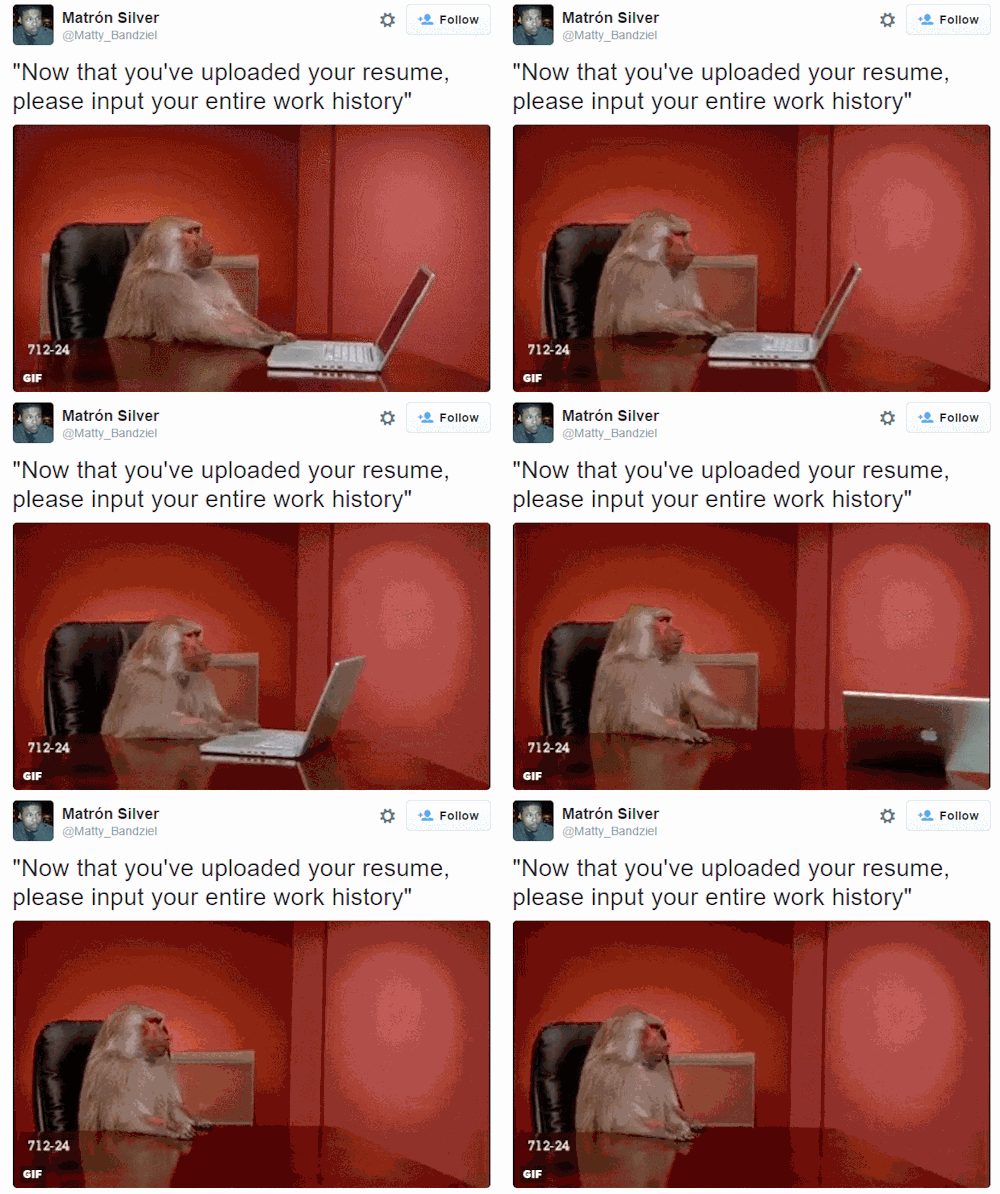
Of course, as good as this site is to write a resume, it won't make up for some of the crazy job application sites we all see customers using.


GUEST AUTHOR: Lloyd Jacobson, LSS-Tech (FRA) 


Windows 8 Help Card

Popular Posts

Blog Archive

Powered by Blogger.